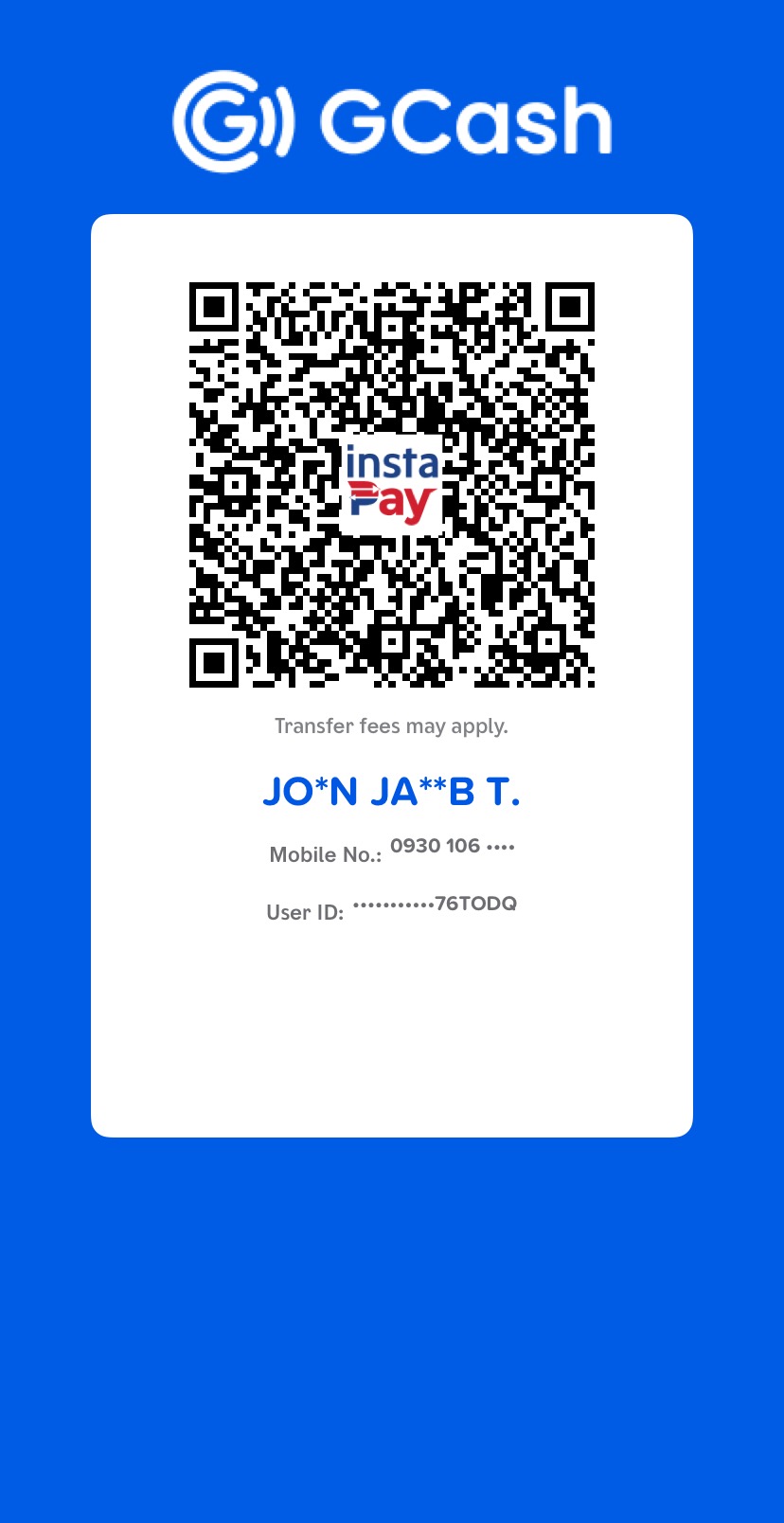
GCash receiver
JO*N JA**B T. · 0930 106 6863
Manual payment verification
Save the official account QR, open GCash, and submit your transaction screenshot for verification.
GCash receiver
JO*N JA**B T. · 0930 106 6863
Use two taps because mobile browsers may block an app launch when it happens automatically after a file download. In GCash, tap QR → Upload QR, then choose the saved image.
Verification
After completing the transfer, enter your name and payment purpose, then upload a clear GCash receipt screenshot. That’s all we need.
Standard policies
Proof submitted
The screenshot and transaction details were sent to The Studio Cove for manual verification.